Prepare.
See the current focus and recent observations before the next session. Know what to watch for with each goalie.
Ice hockey goalie development software
Remember each goalie. Prepare the next session. Keep parents informed.
Built for goalie coaches who want the next session to build on the last. Start with one goalie, one focus, and one observation.
30 days free · One coach · No credit card or family signup required.
GOALIE WORKSPACE
CURRENT FOCUS
Stay balanced through the first save and find the puck before the next move.
Next ice time Monday · 6:30 PMSESSION FEEDBACK Coach
FILM ROOM Game review
Team practice / Private lessons / Game day / The next season
The work should carry forward
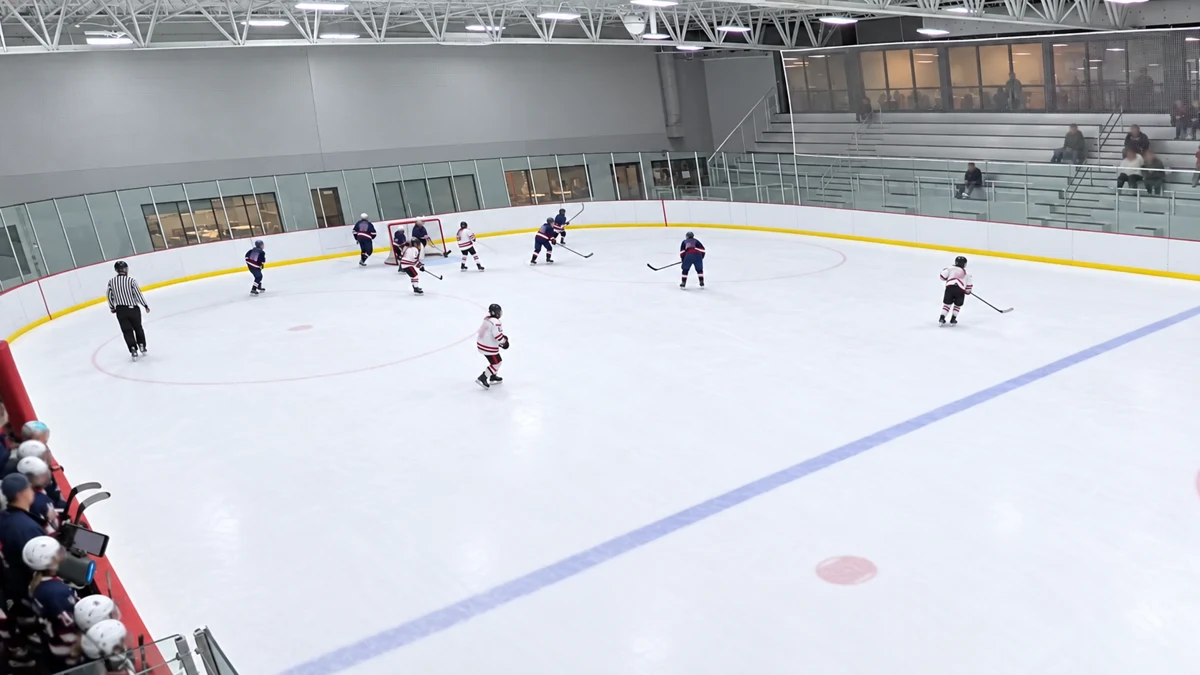
Several goalies. Different priorities. A busy night at the rink.
Keep what you noticed close to the next session. A useful brief helps you prepare, a short observation carries the work forward, and a reviewed update helps the family understand it.
Capture once. CreaseOS organizes it.
See the current focus and recent observations before the next session. Know what to watch for with each goalie.
Record attendance and a short coaching observation. Keep what you noticed ready for the next session.
Turn useful coaching observations into a clear update for parents. Review the wording and recipients before emailing.
More context when you need it
Keep goalie game reports, video clips, and your coaching question together in one review.
AI reads the report. Your coach interprets the play.
Explore coaching with a 30-day trialA report. A clip. Context for your coach.
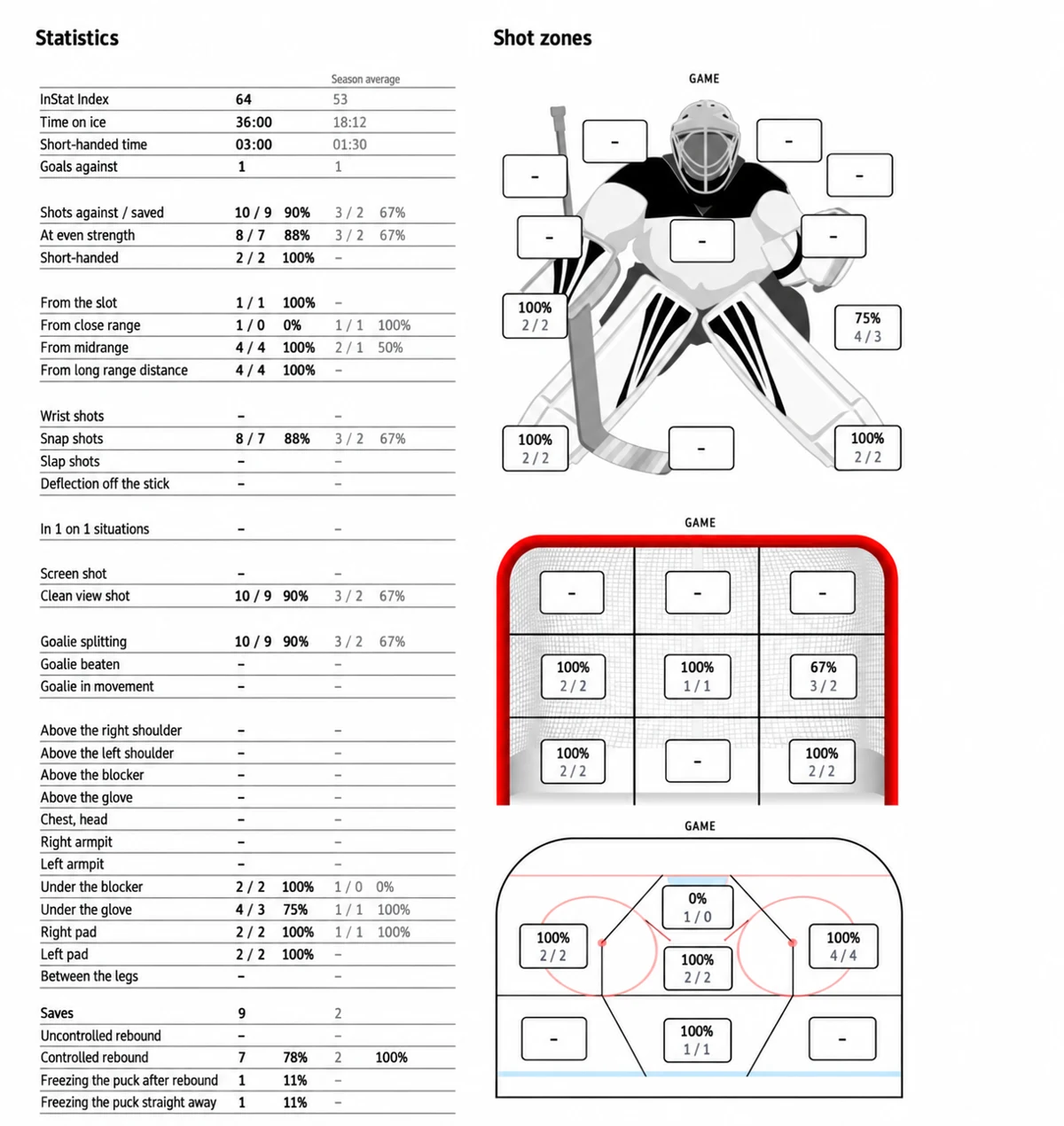
GOALIE REPORT
Game summary“Can we look at my position before the shot?”
Start with the coaching.
For independent goalie coaches
Remember each goalie’s focus, record what you notice, and arrive ready for the next lesson. Start on your own; families do not need to join for you to coach.
Start as a coachSee how it works
Follow a coach’s workflow with real CreaseOS screens and fictional goalies.
Coach Alex opens Morgan’s upcoming ice time. Morgan does not need a family account for Alex to organize the work.
Start with your roster and schedule.
Your coaching. Your choice.
Keep your coaching observations in your workspace. Review the wording and recipients before sending a family update. Parents can read and reply without an account. Coach Private notes are never included.
Each recipient gets a private link to that update only. Received updates have no time limit or subscription requirement. You can revoke a link when needed.
How privacy worksStart with one coach
Try your own coaching workspace for 30 days. No credit card required.
Independent coaches
One coach seat. Your own workspace.
$9.99 / month
Billed monthly.
Try your own workspace for 30 days without a credit card.
Start 30 days free → with Coach Pro SoloPrices in USD. Cancel anytime. Choose your plan and billing period in the app.
CreaseOS helps goalie coaches remember each goalie, prepare the next session, and explain development to families. It brings the current focus, observations, schedule, film, and reports into one continuing record. You can email reviewed updates to parents without requiring family accounts.
No. Email a reviewed update to authorized family recipients. Each address receives a private link to read and reply. You can use your coaching workspace without creating family connections.
Parents receive only the exact family update you review and send. They can read and reply through a private link without an account. Coach Private notes, ratings, source records and unrelated history are never included.
Yes. Add supported report screenshots or PDFs, upload MP4 clips, or save video links in Film Room. Keep the material alongside your coaching observations.
AI can read supported goalie reports and draft game statistics. You check and correct the numbers before confirming the summary. CreaseOS does not automatically analyze the video or explain why a goal went in. The clip and report give you and your coach context for that conversation.
Try your own coaching workspace for 30 days with no credit card required. Add goalies, prepare sessions, capture observations, and review family updates before sending.
Yes. Revoke its private link in email history. Received family updates have no fixed time limit and do not require an account or subscription. Self-test links are time-limited. Information someone already read or copied cannot be recalled.
Start with your next ice time
Add one goalie. Save a focus and an observation. See what to work on next.
30 days free · No card to start.